Back to Experience
Build simple UI YouTube
Java & Oracle Developer
2026 - Present
Role & Responsibility
Developed a desktop-based YouTube interface using Java Swing for the frontend and Oracle SQL for the database management. Focused on creating a robust, high-performance user experience with direct JDBC integration.
Impact & Achievements
- Developed key user-facing features and modular components.
- Optimized application performance and responsiveness.
- Collaborated in a cross-functional team using Agile methodologies.
Tech Stack
JavaJava SwingOracle SQL
🌐 Web Interface (User/Creator)
1. Discovery & Viewing
Content Delivery Network
- Homepage: Browse a 4-column grid of videos with thumbnails, durations, and view counts.
- Search: Filter videos by keywords in titles and descriptions.
- Watch Page: Play videos, toggle Likes/Dislikes, and share video URLs to the clipboard.
- Subscriptions: Follow channels to see their latest uploads in a dedicated feed.
- History: View watch history organized by date (Today, Yesterday, etc.) and clear it if needed.
Thumbnail DisplayVideo DurationView Counts
2. Social Interaction
Community Engagement
- Comments: Post new comments, reply to existing ones, sort by 'Top' or 'Newest,' and like comments.
- Channel Pages: Visit any creator's public profile to see their banner, stats, and all uploaded videos.
Swing UIEvent Listeners
3. Creator Tools (YouTube Studio)
Video Management System
- Upload Video: Upload .mp4 files and thumbnails. Creators can set Title, Description, Category, Tags, and Privacy.
- Management: A 'Studio' view to edit video details, delete uploads, or filter videos by status.
- Analytics: A dashboard showing Total Views, Watch Time, Subscriber growth, and Revenue charts.
- Channel Customization: Update personal channel branding and info.
Oracle BFILEsFile I/O
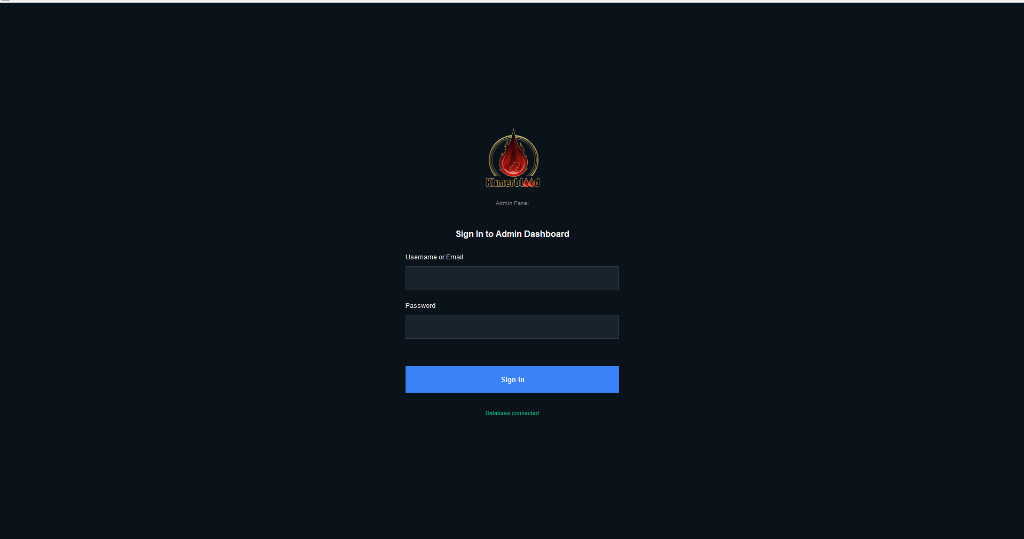
🛡️ Admin Interface
1. Platform Overview (Dashboard)
Core System Management
- Global Stats: Real-time counts of total users, videos, views, channels, and comments.
- Visual Analytics: Pie and bar charts showing User distribution, Video categories, Engagement, and Privacy.
Admin DashChart Logic
2. User Management
Full Access Control
- Full CRUD: Create, View, Edit, and Delete users.
- Access Control: Activate or Deactivate accounts. Deactivated users cannot log in.
- Role Management: Assign roles like USER, MODERATOR, or ADMIN.
SecurityCRUD
3. Content Moderation & Management
Security & Moderation
- Video CRUD: Add videos manually, edit metadata, or delete content across the platform.
- Upload Queue: A 'Manage Uploads' section to Approve or Reject videos before they become public.
- Metadata Control: Manage the system's video categories, tags, and comments.
Approval WorkflowJDBC
4. System Features
Platform Configuration
- Theme Toggle: Switch the admin UI between Dark Mode and Light Mode.
- Interface Switching: A quick-access button to jump back to the User interface.
Swing ThemesState Management
Key Differences
| Feature | Web (User) | Admin |
|---|---|---|
| Video Management | Only their own videos | All videos on the platform |
| User Management | Profile editing only | Full control over all accounts |
| Moderation | Report/Comment | Approve/Reject uploads |
| Target Audience | Viewers & Creators | Platform Operators |